
Is a QR Code Worth Printing for Your Shop?
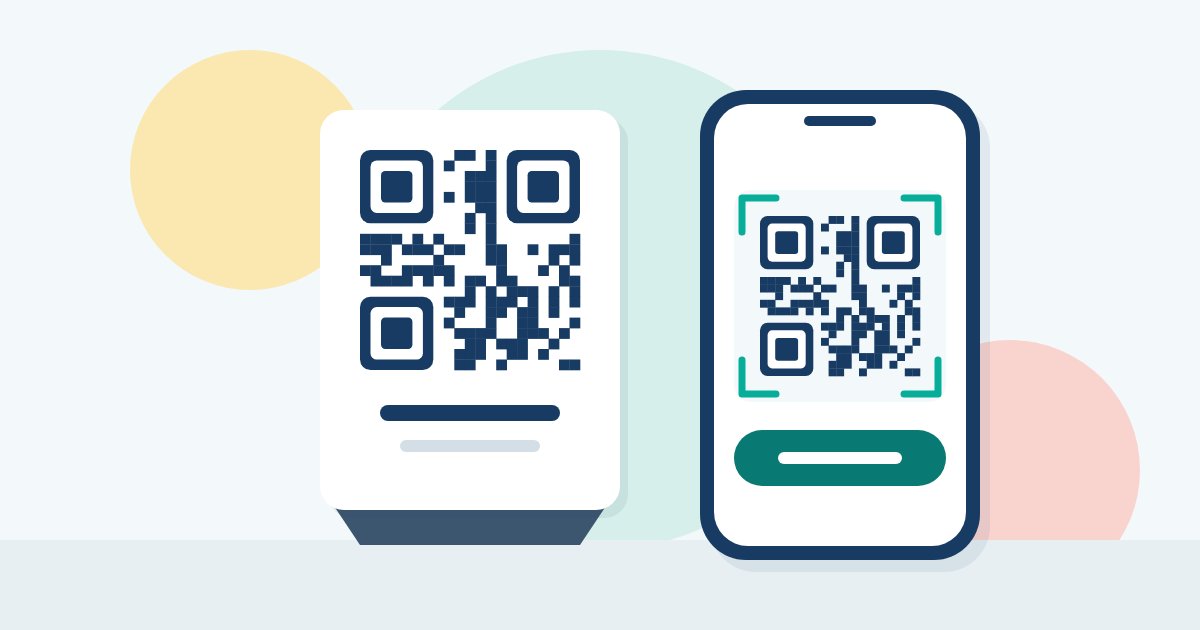
You have probably seen it. A shop tapes a QR code to the counter. Six months later the corner is curling, the code opens a Facebook post from last summer, and nobody has scanned it in months.
You have also seen the opposite. A customer at a cake stall scans a small square, lands in the seller's Messenger chat, and orders before reaching the jeepney.
So is a QR code worth printing? Honest answer: it depends on what it opens and where you put it. A code is only a shortcut, worth it when the place it leads is useful.
When a QR code is worth it
A good code saves the customer from typing something they would get wrong. Four uses earn their spot in most small shops.
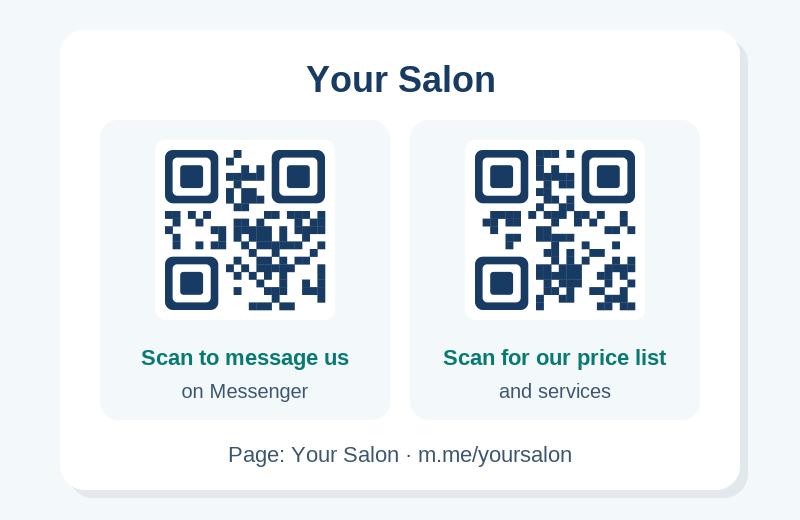
Your Messenger chat. "Ano po ang page niyo?" is a question you answer every day. You spell the name, and the customer still types it wrong. A code made from your page's Messenger link (it looks like m.me/ followed by your page username, such as m.me/yoursalon) opens a chat with you directly. For a salon, clinic or aircon service that books by message, start here.
Your price list or menu. If your prices live on a page with its own link, a code at the counter or on the table lets people browse while they wait. This only helps if the list is clear and current. If yours needs work first, see A Price List Customers Can Understand at a Glance.
Your official GCash QR. This one is worth printing, with one rule: it must come from your own GCash app. GCash lets you generate a QR inside the app for receiving money. The menu moves around with updates, so check the GCash help center if you can't find it. Never make a payment code on a random website, and never copy one from another shop's sign.
Your review link. Your Google Business Profile has an option to share a link that takes customers straight to leaving a review. A small code on the receipt or the clinic's front desk, labeled "Happy with us? Scan to leave a review," catches customers while the visit is fresh.
When it isn't worth it
Some codes cost you more than they help.
A code to a blank or outdated page. If the page has no prices, no hours or last year's promo, the customer who scanned it now trusts you a little less.
A code to a single Facebook post. It works until the post gets buried, edited or deleted. Then the code opens nothing useful, and you won't know until someone tells you.
A code nobody can reach. Behind the glass display, too high on the wall, at the bottom of a busy flyer, or so small a phone has to touch it. If customers have to lean over your products to scan, they won't.
A code with no label. People are right to be wary of a square that says nothing. It could open anything.
A code that needs a free trial. Some free QR websites send scans through their own site first, and the code stops working when the trial ends. For a sign you will keep for years, use a plain code that points straight to your link.
If you do print one, do it properly
One code, one job. To have people message you and see your prices, use two codes with two labels.
Use a clean link. Copy the link with the share button in the Facebook or Google Maps app. If it has a long tail after a question mark, try a shorter version like m.me/yoursalon. Simpler links make codes that phones read more easily.
Test before you print. Scan it with your phone and an older one. Check that it opens the right page, not a login screen or an error, from where a customer would stand.
Print it big, plain and labeled. On a counter, make the code about the size of your palm. On a wall or a window, go bigger. Use a dark code on a white background with a clear white border around it. Laminate it, then test under your shop lights, because glare can block a scan. Next to it, write what happens, and print your page name underneath for people who prefer to type.
Put it where people wait. At the cashier, on a food stall's table, in a salon's waiting area, on a cake box, on the aircon service van.
Check your codes, especially the GCash one
Once a month, scan every code in your shop. Make sure each still opens the right thing and the information is current. Replace anything faded, torn or covered.
Be extra careful with the payment code. Check that the name that appears on scan is yours or your business's, so you'd notice if someone stuck a different code over it. And keep checking each payment in your own app before you hand over the order. A screenshot on a customer's phone is not the same as money in your account.
If you change your page username, scan your codes again. Links with the old name may stop working.
So, should you print one?
If customers often ask how to message you, how much things cost, how to pay or where to leave a review, then yes, a labeled code for that one thing is worth a few pesos of printing. If you don't have a clear, current page for it to open yet, fix the page first and print later.
Give your codes a page that stays put
The weak point of most QR codes is what they open. A simple website gives them a steady place to land: one link with your prices, hours, map and a message button. Update the page, and every code you've printed shows the new information.
DotCity builds a website from the Facebook page you already have. You get a free preview within 48 hours, and your first month is free. After that, the Standard plan is ₱1,499 a month, with no setup fee. Hosting and updates are included, and you can pay by GCash.
- Message us on Messenger for a free preview: https://m.me/dotcity.ph
- Or try our free audit to see what to fix first: https://dotcity.ph/audit