
Fewer No-Shows With a Simple Booking Routine
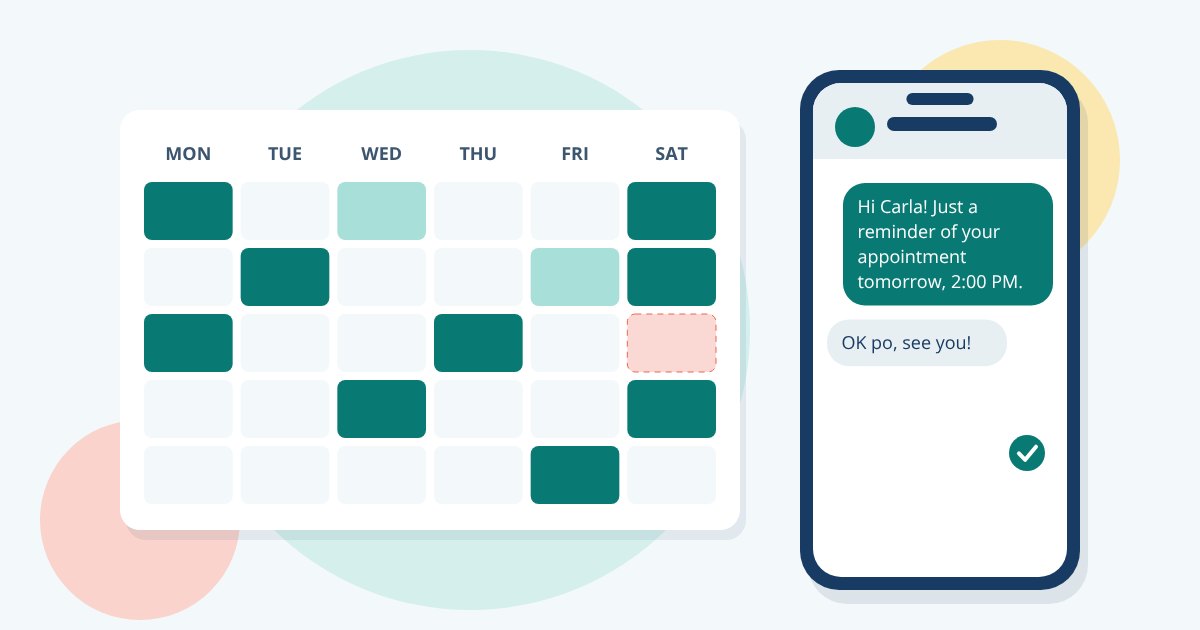
A customer messages your salon on Monday and books a haircut and color for Saturday at 2 PM. You turn away two other people who wanted that time. Saturday comes, 2 PM passes, and no one shows up. When you message them, they say they forgot.
If you run a salon, barbershop, clinic, spa, gym or any business that works by appointment, you know this feeling. A no-show is not just one lost sale. It is a slot you could have given to someone else.
You can't stop every no-show. But most of them come from the same few causes: the customer forgot, wasn't sure the booking was confirmed, or found it awkward to cancel. Each of those has a simple fix.
1. Keep one booking list
When bookings come in through Messenger, texts, calls and walk-ins, it is easy to give the same slot to two people, or to lose a booking in an old chat.
Pick one place for every appointment. It can be a notebook at the counter, a shared calendar on your phone, or a simple spreadsheet. For each booking, write down:
- the customer's name and number
- the service
- the date and time
- which staff member, if it matters
- whether a deposit was paid
If staff take bookings too, everyone uses the same list. Before you say yes to a time, check the list, not your memory.
2. Ask for the details you need, all at once
A lot of back-and-forth starts with "Pwede po mag-book?" and then ten messages to get the basics.
Save one reply in your page inbox that asks for everything in one go:
"Thank you for messaging! To book, please send: your name, the service you want, your preferred date and time, and a second time in case the first one is taken."
Asking for a second choice saves a lot of messages. If the first time is full, you can confirm the second one right away. We wrote more about saved replies in Answer Messenger Faster With Replies You Write Once.
3. Confirm every booking in writing
"Sige po, see you" is not a confirmation. Once the time is set, send a short message with all the details:
"Confirmed: Haircut and color with Joy, Saturday, November 28, 2:00 PM. Please arrive 10 minutes early. If you need to change your time, just message us a day before."
This does two things. The customer has the details in one message they can find again. And you both agree on the same date and time, so there is no "I thought it was 3 PM."
4. Send a reminder the day before
This is the step that helps the most. Many no-shows are people who simply forgot.
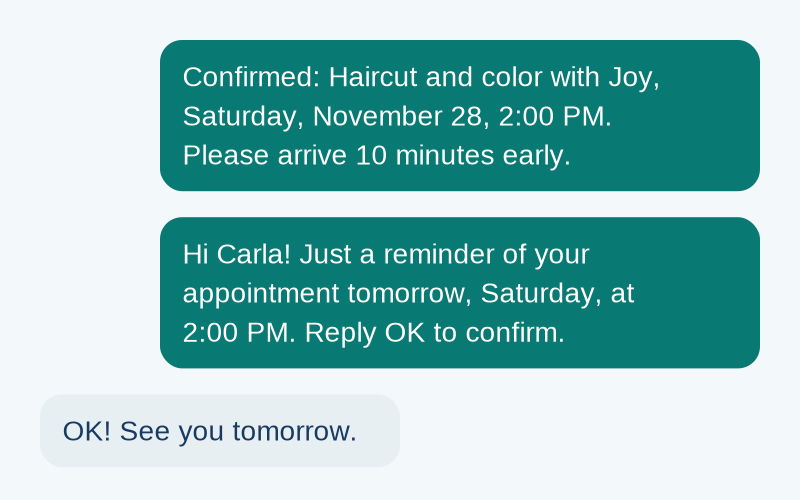
The day before each appointment, send a short reminder:
"Hi Carla! Just a reminder of your appointment tomorrow, Saturday, at 2:00 PM. Reply OK to confirm, or let us know if you need to move it."
Asking them to reply gives you an answer. If someone says they can't come, you still have a day to fill the slot. If someone doesn't reply at all, you know which bookings are at risk.
Make it part of your routine. Every afternoon, look at tomorrow's list and send the reminders before you close.
5. Make it easy to cancel or move
It sounds strange, but making it easy to cancel helps you. Many people feel shy about saying they can't make it, so they say nothing and don't show up.
Tell customers that changing is fine if they let you know early. When someone does cancel, thank them. A customer who cancels politely and books again next week is a good customer.
6. Ask for a deposit for long or costly services
For short, low-cost services, a reminder is usually enough. For a long service, a big group, or anything that blocks off hours of your time, a deposit makes sense. Think of a full hair rebond, a bridal package, a dental procedure, or a private court booking.
If you ask for a deposit:
- say how much it is before you confirm
- say how to pay it, such as GCash or bank transfer
- say what happens if they cancel late or don't show up
- check the payment in your own app before you mark the booking as paid
Keep the amount fair. It should be enough that people take the booking seriously, not so much that it scares them away.
7. Write your booking rules down once
Customers are more likely to follow rules they saw before they booked. Write a short list and post it where people look:
- how far ahead to book
- how late someone can be before you give the slot away
- how much notice you need to cancel or move
- whether you need a deposit, and when it can be refunded
Put it in your saved reply, pin it to your Facebook page, and add it to your website if you have one. Keep the tone friendly. "Please let us know at least a day before if you can't make it, so we can offer your slot to someone else" works better than "NO REFUNDS FOR NO-SHOWS."
8. Keep a short waitlist
When a day is full, take the names of people who wanted it. When someone cancels, message the first person on the waitlist. Customers like being remembered, and the slot doesn't go to waste.
This matters most in December, when salons, spas and clinics fill up before Christmas parties and family gatherings. A cancelled slot on December 23 is easy to fill if you already have a list of people waiting.
Let customers see your times and rules first
Many booking messages start with the same questions: what services you offer, how much, and when you are open. A website can answer all of that before the customer messages you, and it can include a simple booking request form so the details arrive in one go.
DotCity builds a website from the Facebook page you already have. You get a free preview within 48 hours, and your first month is free. After that, the Standard plan is ₱1,499 a month, with no setup fee. Hosting and updates are included, and you can pay by GCash.
- Message us on Messenger for a free preview: https://m.me/dotcity.ph
- Or try our free audit to see what to fix first: https://dotcity.ph/audit