
Answer Messenger Faster With Replies You Write Once
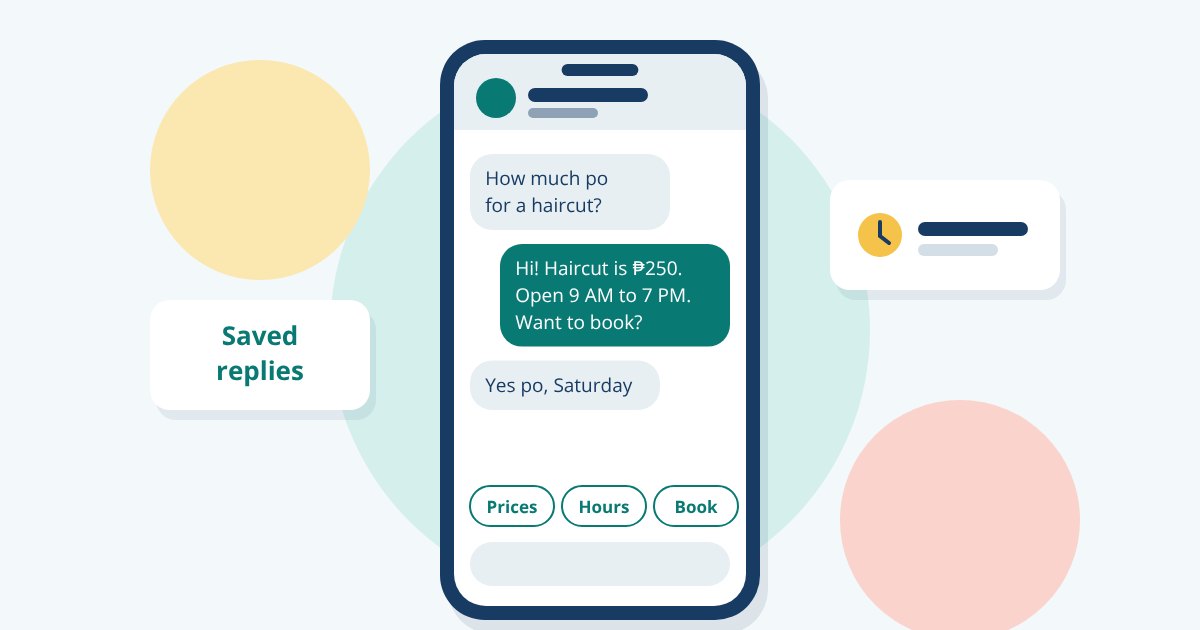
For many small businesses in the Philippines, a sale starts with a message. Someone sees a post, taps Message, and asks a question. If they get an answer soon, many of them order or book. If they wait too long, some of them ask another shop.
Most owners answer messages between other work: serving a customer, cooking, cutting hair, or driving to a delivery. You can't reply to every message the minute it comes in. You can make each reply take less time.
Facebook has free tools for this in Meta Business Suite, the app and website for managing your page. Look for the inbox settings and the automated replies there. The names of the menus change from time to time, but the tools below have been there for years.
Write down the questions you get every day
Before you set anything up, scroll through your last 50 messages. Write down the questions that come up again and again. For most businesses, the list looks like this:
- How much is it?
- Are you open today?
- Where are you?
- Do you deliver here?
- Is this still available?
- How do I book or order?
Then write one good answer for each. Use full sentences, the real price, and the real hours. These answers are what you will save in the steps below.
Set up a greeting
A greeting is the first thing a person sees when they open a chat with your page, before they type anything. Keep it short. Say who you are, when you reply, and what to send.
For example: "Hi! Thanks for messaging Rosa's Salon. We reply from 9 AM to 6 PM, Monday to Saturday. To book, send your name, the service, and the day you want."
A greeting like this tells the customer what to expect. It also gets them to send the details you need in the first message, so you don't have to ask.
Save your common answers
Saved replies let you send a ready answer with a few taps instead of typing it again. Save your answers for prices, hours, location, delivery areas, and how to book.
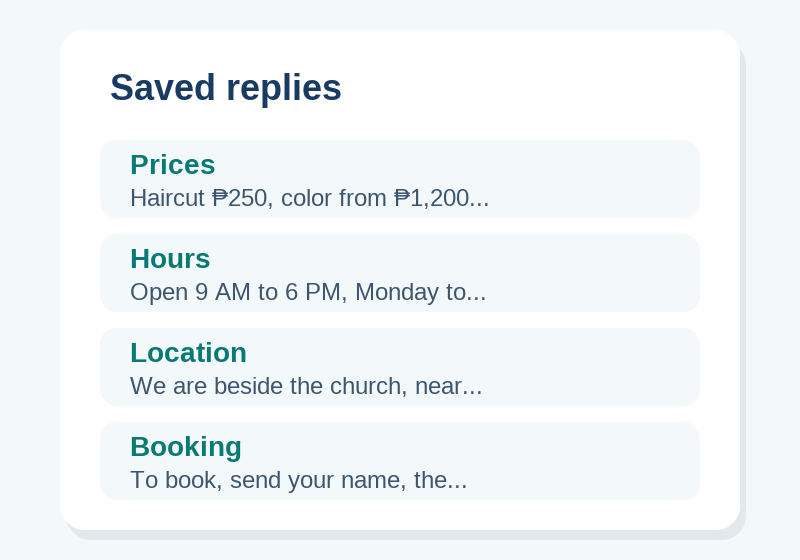
Keep each one current. If your prices change, change the saved reply the same day. An old price in a saved reply causes the same trouble as an old price list on your page.
Read the customer's question before you tap send. A saved reply should answer what they asked. If they asked about one item, add a line about that item.
Add an instant reply and an away message
An instant reply goes out right after someone sends their first message. Use it to say you got the message and when you will answer.
An away message goes out when you are closed or set your page to away. Say when you will be back. For example: "We're closed right now. We'll reply tomorrow from 9 AM. You can leave your order details here."
Don't promise a reply time you can't keep. "We reply within the day" is better than "We reply in 5 minutes" if you are often busy.
Use frequently asked questions
Messenger can show a few question buttons when someone opens a chat with your page. When the customer taps one, they get your saved answer right away.
Pick three or four of the questions from your list, like "What are your prices?" or "Where are you located?" Customers get the answer even at night, and you see the questions they asked when you open the inbox.
Pin the details so people don't have to ask
Some questions don't need a message at all if the answer is easy to find. Pin a post with your current prices or menu to the top of your page. Fill in your hours, address, and phone number in your page details.
When the answer is on the page, fewer people need to ask. The people who still message you are often closer to buying.
Check the inbox at set times
If you reply only when you remember, some messages wait for a day or more. Pick a few set times to check the inbox, for example at opening, at lunch, and before closing.
If more than one person answers messages, agree on who checks and when. Use the same saved replies, so customers get the same prices and the same answers from everyone.
Keep a list of what people ask
Each week, look at which questions came in most. If many people ask the same thing, add it to your saved replies, your frequently asked questions, or your pinned post.
This list also shows what customers want to know before they buy. That is useful for your posts, your page details, and your website if you have one.
If you want a website to answer these questions too
A website can show your prices, hours, location, and how to book in one place, so customers can find answers before they message you.
DotCity builds a website from the Facebook page you already have. You get a free preview within 48 hours. Your first month is free. After that, the Standard plan is ₱1,499 per month, with no setup fee. Hosting and updates are included, and you can pay by GCash.
We are based in Dumaguete City, and we work with small businesses across the Philippines.
- Try the free audit: https://dotcity.ph/audit
- Or message us on Messenger for a free preview: https://m.me/dotcity.ph
- Our Facebook page: https://www.facebook.com/dotcity.ph