
What Your Small Business Website Should Include
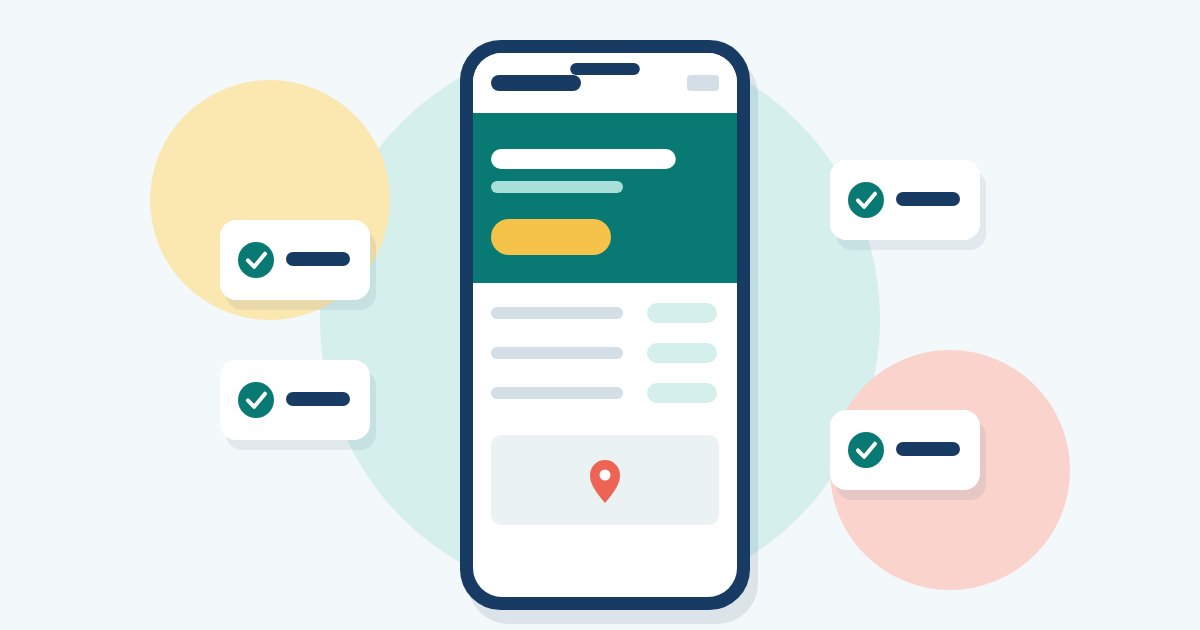
A customer who opens your website already has a few questions. What do you offer? What does it cost? Are you open today? Where are you? How do I message you or book?
Those answers belong on the page. The customer shouldn't have to message you for your hours, your prices, or your address.
You don't need a long website for this. A few sections cover what most customers look for.
Say what you do at the top
The top of the page should show your business name, what you sell or do, and the city or area you serve.
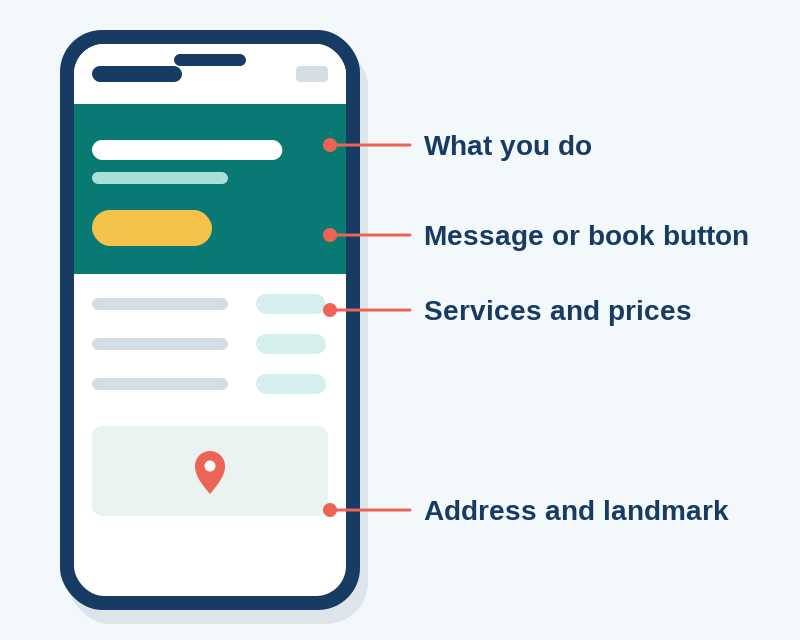
"Rosa's Salon, haircuts and hair color in Iloilo City" tells a new visitor they found the right business. A slogan with no service and no city doesn't say what you do.
Name services the way customers say them
List the services or products people ask for by name. A dental clinic might list consultation, cleaning, and tooth extraction. A repair shop might list phone screen replacement and laptop cleaning. A bakery might list cakes for pickup and cakes for delivery.
Use the words your customers already use. If they ask for a rebond, write rebond. A name they don't use is harder for them to find.
Add one short line when the name needs it, such as "Home service in Cebu City" or "Ready in two days." You don't need a separate page for every service.
Put a current price next to each item
Write the price beside the service, and say what that price includes. If a haircut includes a wash, say so. If a cake price is for one size, write the size.
If the price changes with size or material, give a starting price and say what changes it. "Birthday cakes from ₱800, depending on size" tells them more than "message us for the price" on every line.
Put delivery fees and minimum orders on the same list. If you ask for a deposit, write how much it is and how to pay it. If you take cash, GCash, or a bank transfer, write that next to the prices.
When a price changes, change it on the site the same day. People expect to pay the price they saw.
Write the hours, including closed days
List each open day with the time you open and the time you close. Then list the days you are closed.
If you close for lunch, put that break in the hours. If Sunday hours are shorter, give Sunday its own line. "Open daily" is misleading when you are closed one day a week. People may come on the closed day.
When a holiday changes your hours, add one line with the dates and the new times. Remove the line when your usual hours are back.
Show the address and a landmark
Write the street, the barangay, and the city. Add a landmark people already know: a mall, a school, a market, or a main road. Many customers look for the landmark first, then look for your sign.
Add a map, and check that the marker is on your door. If a jeepney route or a short tricycle ride from a known stop is how most people arrive, you can say that too.
If you have more than one branch, give each branch its own address and its own hours.
If you have no shop, a map can send people to the wrong place. List the cities or barangays where you deliver, or the towns where you offer home service. Say if you charge a travel fee.
Give people one way to reach you
Choose the way you actually answer during open hours: a call, a text, or Messenger. Put that choice near the top of the page. If the page is long, repeat it at the bottom. Use a number that a person answers.
Say what you prefer. "Call to book" and "Message us on Messenger" tell the customer different things. If you take appointments, say what to send: their name, the service, and the day they want. If you need notice, say how many days.
If you are walk-in only, write that, so people don't wait for a reply.
One button is enough. Add a form only if someone on your team will read it the same day.
Use photos that answer questions
Show the front of your shop, so customers know what to look for when they arrive. Show the work, the food, or the products you want them to buy. If they will meet you, a photo of you or your team helps.
Three or four photos are enough to start. Choose ones that are bright and in focus. Leave out photos that don't show your business.
Keep the story short
Two or three sentences are enough. Say when you opened, what people come to you for, and the area you serve. Customers read this to see that a real person runs the business.
What can wait
A useful site can leave these out until you need them:
- a blog
- a customer login
- a long list of awards
- prices you are not ready to charge
- a form that nobody checks
Add something when customers keep asking for it. Until then, the sections above are enough.
Read it on your phone before you share it
Open the site on a phone. Look for these five things:
- what you offer
- a price
- your hours, including a day you are closed
- your address, or the areas you serve
- a way to call, text, message, or book
Ask someone who has never visited the shop to look for the same five things. If they can't find one, fix that part first.
If you want us to build it
DotCity builds a website from the Facebook page you already have. You get a free preview within 48 hours. Your first month is free. After that, the Standard plan is ₱1,499 per month, with no setup fee. That plan includes hosting and updates, and you can pay by GCash.
Social media management is ₱4,999 per month for 12 posts, and it includes a Standard website.
We are based in Dumaguete City, and we work with small businesses across the Philippines.
- Try the free audit: https://dotcity.ph/audit
- Or message us on Messenger for a free preview: https://m.me/dotcity.ph
- Our Facebook page: https://www.facebook.com/dotcity.ph