
From Comment to Order: Replying on Your Facebook Posts
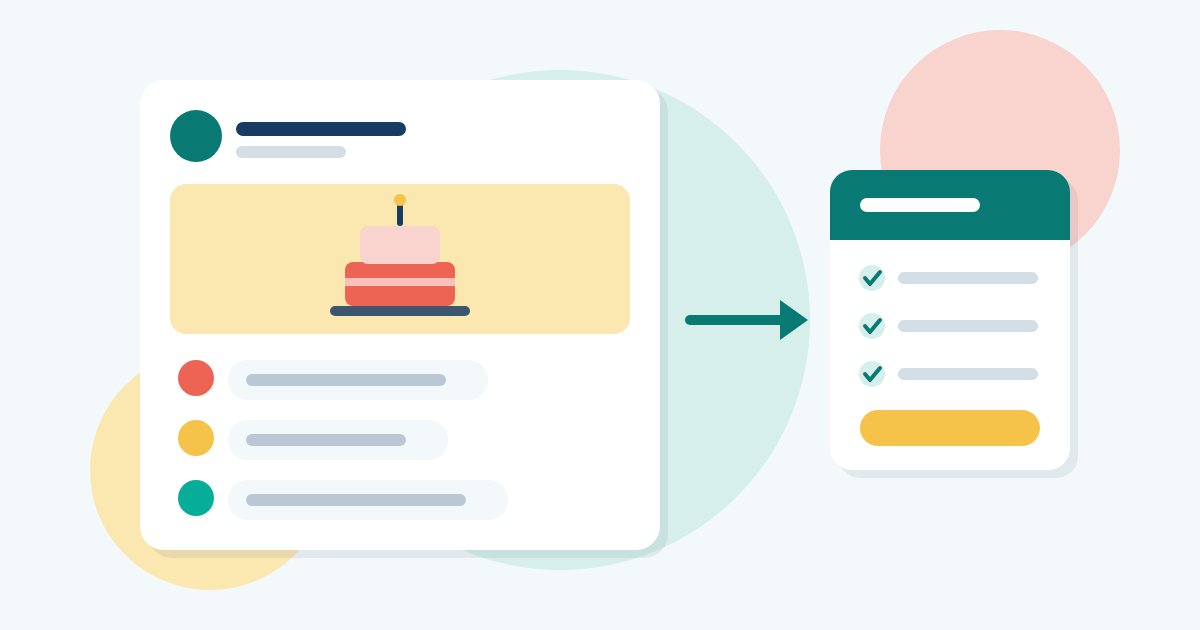
You post a photo of your new cake design in the morning. By lunch there are twelve comments. "HM po?" "Available pa?" "Pwede pa-deliver sa Talamban?" You are busy baking, so you plan to answer later. By evening, some of those people have already ordered from someone else.
A person who comments is already interested. They just need an answer before they scroll on. Here is how to handle comments so more of them turn into orders.
Reply fast, even with a short answer
Speed matters more than a perfect reply. A quick, short answer keeps the customer's attention while they are still looking at your post.
Pick a few times to check your comments, for example mid-morning, after lunch and before closing. On the day you post something new, check more often in the first few hours, because that is when most people see it.
If you can't give the full answer yet, say so: "Hi! Yes, still available. I'll message you the details in a bit." The customer knows you saw them, and they wait.
Answer in public first
When someone asks "HM po?", it is tempting to reply only with "PM sent" and answer in Messenger. But other people are reading the same post, and they have the same question.
If the price is something you are happy to share, write it in the comment:
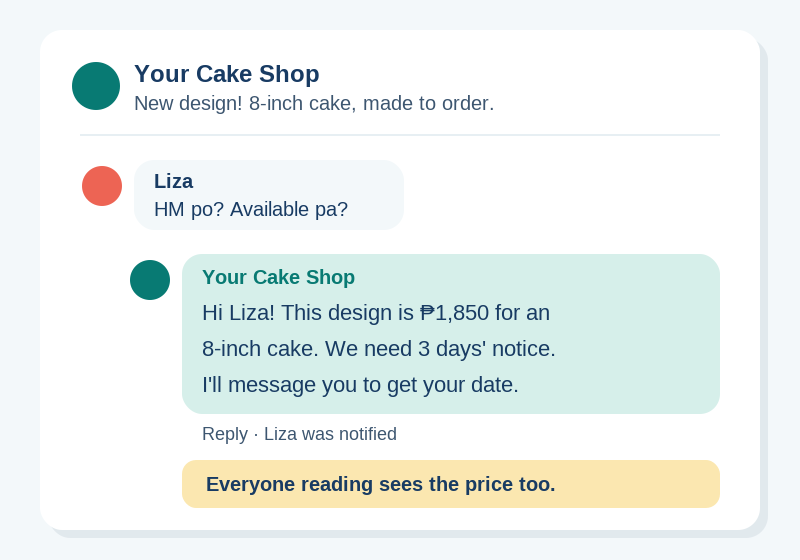
"Hi Liza! This design is ₱1,850 for an 8-inch cake. We need 3 days' notice. I'll message you to get your date."
Now everyone who scrolls past sees the price, the size and the lead time. Some of them will order without asking at all. One public answer saves you ten private ones.
If your prices depend on details, such as an aircon cleaning service that charges by unit type, give a range or a starting price in public: "Cleaning starts at ₱800 for a window-type unit. Split-type costs a bit more. I'll message you for the details." It is still more helpful than "PM sent."
Move the order to Messenger, politely
Prices can be public. Addresses, phone numbers and payment details should not be. Once someone is ready to order, move the conversation to Messenger.
Tell them in the comment that you are doing it, so they know to check: "I sent you a message, Liza." Then send a short, friendly first message:
"Hi Liza! Thank you for your comment on our cake post. To order, please send the date you need it, the message for the cake, and if it's pickup or delivery."
Facebook lets pages send a private message to someone who commented on their post. Where you find it depends on whether you use the Facebook app or Meta Business Suite, and the button can move after updates. If you can't find it, reply in public and ask them to message your page.
Some customers don't see message requests from pages right away. If they go quiet, a gentle reply under their comment helps: "Hi Liza, just checking if you got our message."
Tag the person you are answering
On a busy post, replies can get lost. When you reply directly to a comment, Facebook usually notifies that person. When you write a new comment instead, tag the person by typing their name so they get a notification.
Use their first name too. "Hi Liza!" reads warmer than "Hi ma'am."
Answer the same question once, then pin it
If the same question keeps coming, put the answer where people see it first.
- Add the key details to the post itself: price, sizes, how to order, delivery areas.
- Write one clear comment with the full answer and pin it to the top of the comments, if your page lets you.
- Save a ready answer in your phone's notes, so you can paste it quickly.
Copy-paste is fine, but change the name each time.
Hide spam, but don't hide customers
Popular posts attract spam: fake giveaways, links to loan apps, people selling followers. These make your page look careless, and some of them are scams that target your customers.
Facebook lets you hide a comment. A hidden comment stays visible to the person who wrote it and their friends, but not to anyone else. You can delete obvious spam or block repeat accounts too. Page settings also include tools to filter comments with certain words, which can catch some spam before you see it.
Only hide comments that are spam, scams or abuse. Don't hide real customers because their question is awkward.
Don't ignore the negative ones
Sooner or later someone will comment, "Late delivery last time" or "Too expensive." It feels better to look away. But other customers see the complaint, and they also see that no one answered.
Reply calmly and briefly in public, then fix the details in Messenger:
"Hi Joel, I'm sorry your order came late. That's not the experience we want for you. I sent you a message so we can make it right."
Don't argue in the comments. A short, polite reply shows readers that you take care of problems.
Keep track of who asked
On a busy day it is easy to forget who you promised to message. Keep a simple list in a notebook or your phone: name, what they asked about, and whether they ordered. At the end of the day, check the list and follow up with anyone you missed.
It also shows you which posts bring in orders, so you know what to post more of.
Let comments point somewhere useful
Many comment questions are the same few: price, sizes, location, how to order. A simple website can hold all of those in one place, and your public reply can include the link. Customers get the full answer right away, and you spend less time typing it.
DotCity builds a website from the Facebook page you already have. You get a free preview within 48 hours, and your first month is free. After that, the Standard plan is ₱1,499 a month, with no setup fee. Hosting and updates are included, and you can pay by GCash.
- Message us on Messenger for a free preview: https://m.me/dotcity.ph
- Or try our free audit to see what to fix first: https://dotcity.ph/audit