
More Google Reviews, Without Paying or Pestering
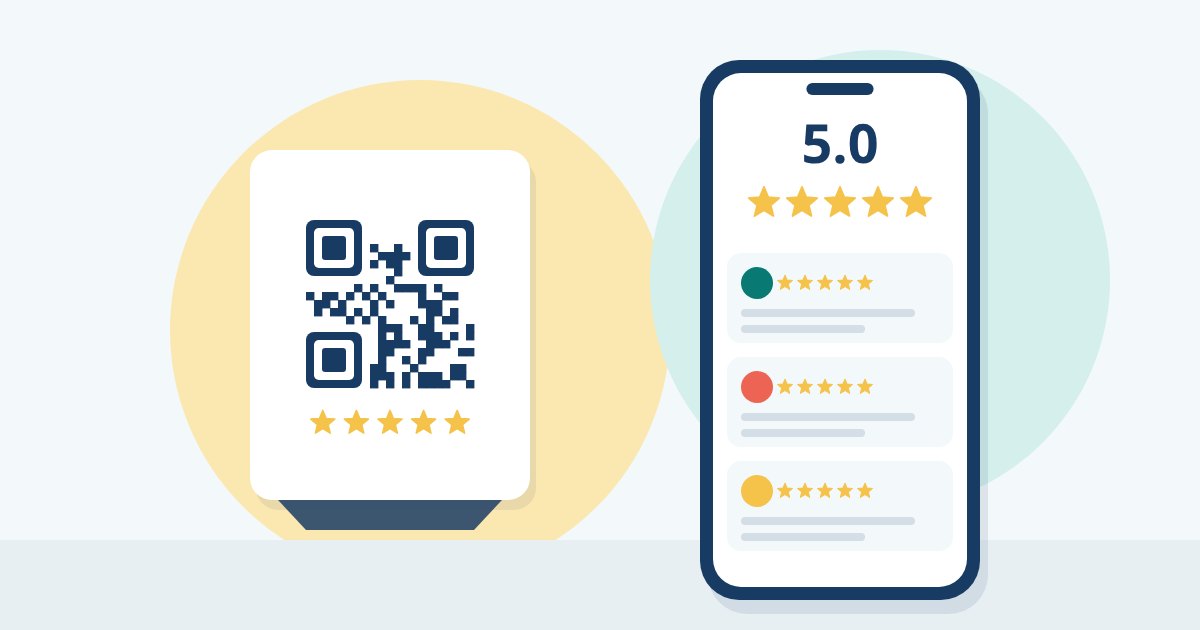
A customer finishes her haircut, looks in the mirror and smiles. "Ang ganda! Thank you!" She pays, waves, and leaves. You never hear from her again.
She was happy. She would have said nice things about your salon. But nobody asked her, so she didn't.
That happens every day in small businesses. Most happy customers don't leave reviews on their own. Unhappy ones are more likely to write something without being asked. So if you wait, your Google listing can end up with only a few reviews, and the loudest ones may not be the fairest.
The fix is simple: ask, at the right time, in a way that takes the customer less than a minute.
Why Google reviews matter
When someone searches for "barber near me" or "dentist in Mandaue," Google shows a map with a few businesses. Next to each name is a star rating and the number of reviews. Many people pick from that list without ever opening Facebook.
Reviews help in three ways:
- They help people trust a business they have never visited.
- They answer questions for you, like whether parking is easy or the staff are friendly.
- They help your listing show up when people search nearby.
If you haven't claimed your Google Business Profile yet, do that first. We explain how in 6 Free Fixes So Customers Can Find Your Business Online.
Get your review link and QR code
Google gives every business owner a short link that opens the review form for your business directly. The customer doesn't have to search for you or scroll to find the review button.
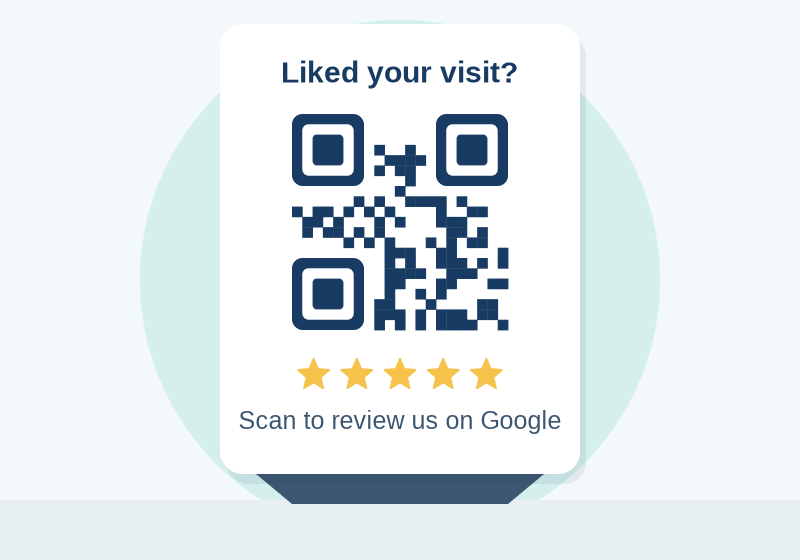
To find it, sign in to your Google Business Profile, look for the option to ask for reviews, and copy the link. Google can also make a QR code from the same link. Save both on your phone.
Once you have them, you can put the link in:
- a saved reply on Messenger
- a text message after a visit
- the receipt or order confirmation you send
- your website
And you can print the QR code and put it:
- on the counter or near the cashier
- on a small card in each delivery bag or box
- on the mirror at your salon or barbershop station
- in the waiting area of your clinic
Ask at the right moment
The best time to ask is right after a good experience, while the customer still feels it.
For a salon or barber, that is when the customer is looking in the mirror and happy with the result. For a clinic, it is at the front desk after the visit. For a cake or food seller, it is a day after delivery, when the customer has eaten it and shared it. For a home or auto service, it is after the job is done and the customer has checked the work.
Don't wait a week. By then, most people have moved on.
Keep the ask short and personal
You don't need a speech. A short, friendly message works best. For example:
"Thank you po for coming in today! If you have a minute, a Google review helps other people find us. Here's the link: [your link]"
Or, in person:
"If you liked it, we'd really appreciate a review on Google. Just scan this, it takes a minute."
Use the customer's name when you can. Say thank you first. Then give the link. Make it clear that it's okay if they don't have time.
Ask once. If they don't leave a review, let it go. Reminding someone three times turns a happy customer into an annoyed one.
Ask everyone the same way
It's tempting to ask only the customers you know are happy. Google's rules say not to do this. You shouldn't ask only for good reviews, or steer unhappy customers away from posting.
Make asking part of your routine instead. Every customer, every time, the same short message. Most of your customers are satisfied, so most of what comes back will be good. And the occasional honest complaint tells you something you can fix.
Don't pay for reviews
This is the rule that gets businesses in trouble. Google does not allow you to offer anything in exchange for a review. That means:
- no discount for leaving a review
- no free item or extra service
- no raffle entry
- no paying someone to post reviews
- no asking family or staff to write reviews pretending to be customers
Google can remove reviews that break these rules, and it can place warnings or limits on a business listing. A small discount is not worth that risk.
It's fine to offer a discount for coming back or for a loyalty card. It's not fine to tie it to a review.
Reply to every review
When someone takes the time to write a review, answer it. A short thank-you is enough:
"Thank you, Maria! We're happy you liked your color. See you next time!"
Replying shows other customers that a real person runs the business and reads what people say. It also encourages more people to leave one.
For bad reviews, stay calm, keep your reply short, and move the details to a private message. We wrote a full guide on this: Got a Bad Review? What to Say, and What Not To.
Make it a habit for your staff
If you have staff, they meet more customers than you do. Show them the QR code and the short message, and tell them when to use it. A barber can mention it while brushing off the cape. A cashier can point at the card on the counter.
Keep a simple goal, like asking every customer for one month, and see how many new reviews come in. Then keep going.
December is a good time to start
The Christmas season brings more customers than usual, many of them first-timers buying gifts, booking parties or getting ready for family visits. That means more chances to ask. If you print your QR code and set up your saved reply now, you can collect reviews all through the busy weeks, and those reviews will help new customers choose you in January.
Put your reviews where customers look
Good reviews help most when people can see them. A website can show your best reviews next to your services, prices and hours, and link straight to your Google listing.
DotCity builds a website from the Facebook page you already have. You get a free preview within 48 hours, and your first month is free. After that, the Standard plan is ₱1,499 a month, with no setup fee. Hosting and updates are included, and you can pay by GCash.
- Message us on Messenger for a free preview: https://m.me/dotcity.ph
- Or try our free audit to see what to fix first: https://dotcity.ph/audit